
Ready to plan a clearer Florida delivery?
Apply this guide to the real Florida route and visible item, then review the complete details before committing.
A laptop needs the same three-part plan as a phone—data, battery and physical protection—but its hinges, display and charger create additional handling points.
Document function, then shut it down completely
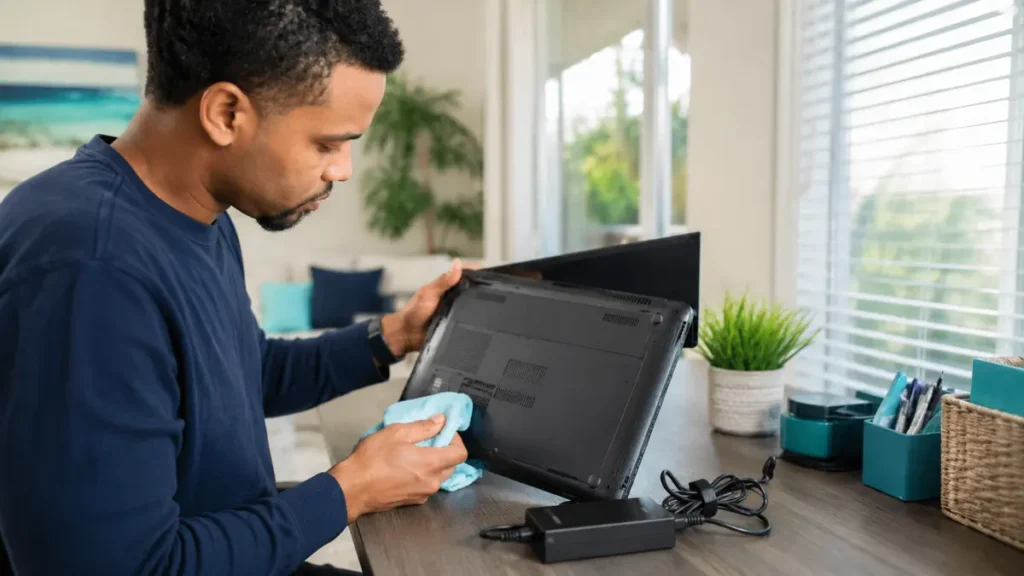
Back up and remove personal access before pickup. Photograph the open screen, keyboard, ports, lid, corners and charger. Note existing cracks or hinge problems. Shut the computer down rather than leaving it asleep, protect the power button from activation and keep the charger from striking the case. The sender remains responsible for an accurate listing and transport-ready preparation. Packaging should make the condition visible enough to inspect while protecting the item after acceptance. Any material change in contents, size, value or recipient should be disclosed before custody changes.
Sources: PHMSA: Transporting Lithium Batteries; USPS: How to Prepare and Send a Package
Prepare the laptop for normal vehicle forces
The package should resist movement without pressing on the display.
- Back up data and remove account access.
- Record model, serial evidence and visible condition securely.
- Inspect for battery swelling, heat or recall concerns.
- Protect the closed laptop with nonabrasive cushioning.
- Place accessories separately inside a rigid outer package.
Sources: PHMSA: Transporting Lithium Batteries
Conditions that require another method
Do not treat the traveler as a battery technician.
- Case deformation or touchpad lifted by swelling.
- Liquid exposure with unexplained heat or odor.
- Loose battery or internal parts moving.
- Value or data sensitivity that requires specialist custody.
Sources: PHMSA: Transporting Lithium Batteries; USPS: How to Prepare and Send a Package
Choose professional handling when consequences are high
Business-critical, irreplaceable or forensically sensitive computers may need direct custody, specialist packaging or formal coverage. An ordinary used laptop in safe condition may fit peer delivery when it is accurately represented and inspectable.
What to keep in the delivery record
Keep enough evidence to show what was represented, accepted and received for this specific request.
- The original item and route description.
- Current photographs and disclosed condition.
- Agreed timing, reward and platform messages.
- Pickup inspection and final handoff confirmation.
Frequently asked questions
Should the traveler test the laptop?
Only a simple agreed demonstration; the traveler is not certifying hidden condition or performance.
Can I use the original box?
Yes if it remains strong and is placed inside appropriate protective outer packaging when needed.
Should I include passwords?
Do not disclose personal credentials. Prepare a clean demonstration method instead.
Research sources
Turn the checklist into a real PackItPal plan
Choose the Florida route, describe the visible item accurately and review the complete marketplace price before committing.